Short answer: Experience Cloud is Salesforce’s own portal product — portal users become licensed users inside your org, and the portal is built with Salesforce’s tools. Basicloud sits outside your org — portal users sign in to Basicloud and need no Salesforce license, and the portal is configured visually without changing your org. If your portal needs deep, Salesforce-native features, Experience Cloud is the natural choice. If you want to give many external people a slice of your data without a license per person, Basicloud is built for that.
What is Salesforce Experience Cloud?
Experience Cloud (formerly Community Cloud) is the Salesforce product for building portals, help centers, and partner sites on top of a Salesforce org. External users — customers or partners — are added to the org with Experience Cloud licenses, and sites are built with Experience Builder inside Salesforce.
What is Basicloud?
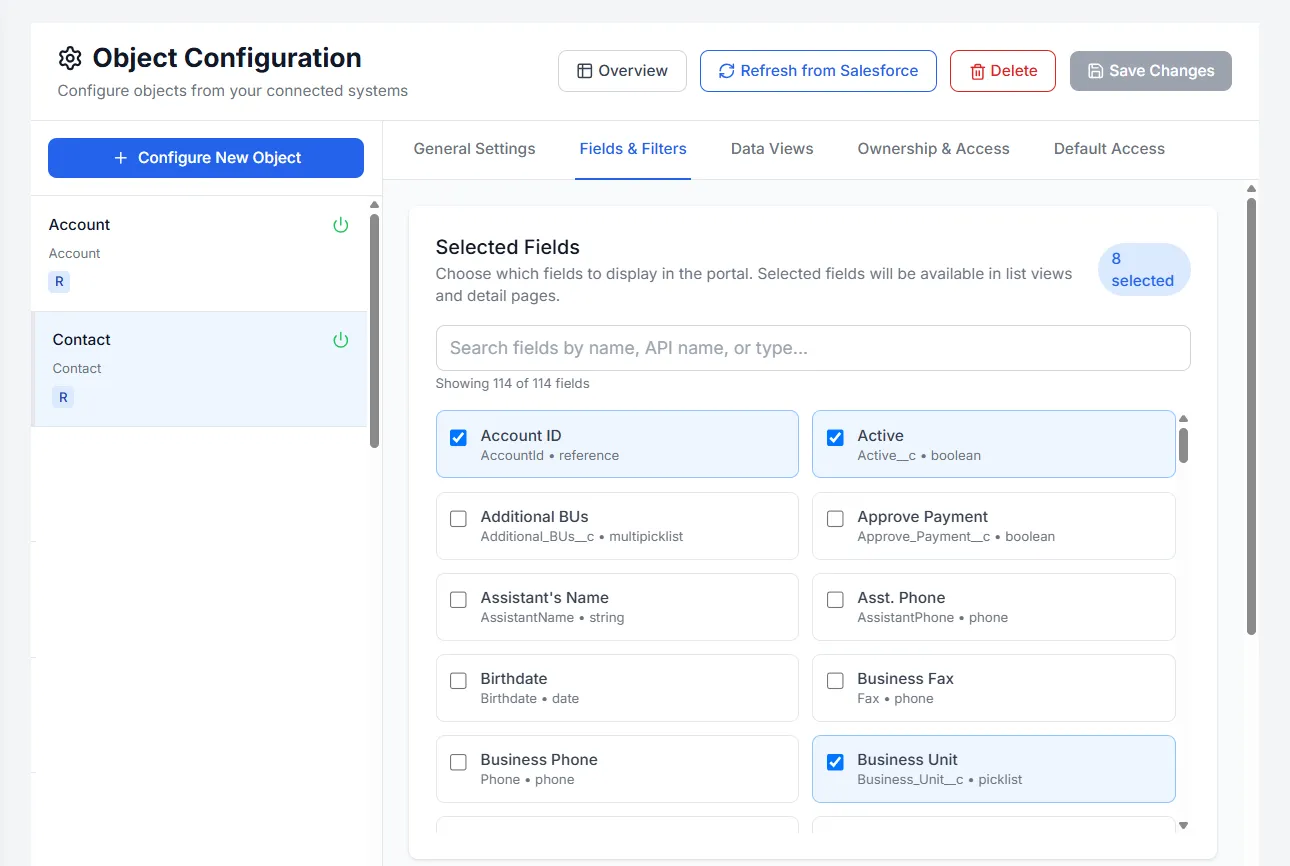
Basicloud is a platform for building secure, white-label portals on top of the systems a company already runs, starting with Salesforce. It connects to the org over OAuth 2.0, reads records live through the API, and delivers role-aware portals to customers, partners, contractors, and employees — configured without code, and without giving portal users Salesforce licenses or direct org access.
How do they compare?
| Salesforce Experience Cloud | Basicloud | |
|---|---|---|
| Portal users | Licensed users in your Salesforce org | Basicloud accounts — no Salesforce license per user |
| Where it’s built | Experience Builder, inside your org | Basicloud admin, outside your org — no managed package |
| Access control | Salesforce sharing model for external users | Row-level rules layered on top of your org’s permissions, enforced in every query |
| Data | Native to Salesforce | Read live through the API — no copies or sync |
| Other systems | Salesforce-centric | Built to combine Salesforce with NetSuite and HubSpot (coming soon) in one view |
| Work modules | Build with Salesforce tools | Task Boards, Hour Reporting, and Payment Report included as modules |
| Branding | Themes in Experience Builder | Logo, colors, custom CSS, custom domain, translations — no code |
When is Experience Cloud the better fit?
- You need Salesforce-native experiences such as Knowledge-based help centers, community forums, or Lightning components built by your team.
- Your external users need the full Salesforce data model and automation directly, as members of your org.
- You already own the licenses you need and have admins who work in Experience Builder.
When is Basicloud the better fit?
- You have many external viewers who each need a narrow slice of data, and a license per person doesn’t add up.
- You don’t want external users inside your org at all — they sign in to a separate portal and only see what your rules allow.
- You want the portal configured visually by an ops or RevOps lead, not built as a project.
- You need portals that combine Salesforce with other systems, or modules like hour reporting and payment approvals for people outside Salesforce.
Can you use both?
Yes. Some teams keep Experience Cloud for a Salesforce-native help center and use Basicloud for the audiences that don’t need a Salesforce license — contractors logging hours, partners checking status, or customers viewing a handful of records.