Product
Everything a portal needs. Nothing to build.
Basicloud turns your connected system into branded, role-aware portals — real-time by design, configured entirely without code.
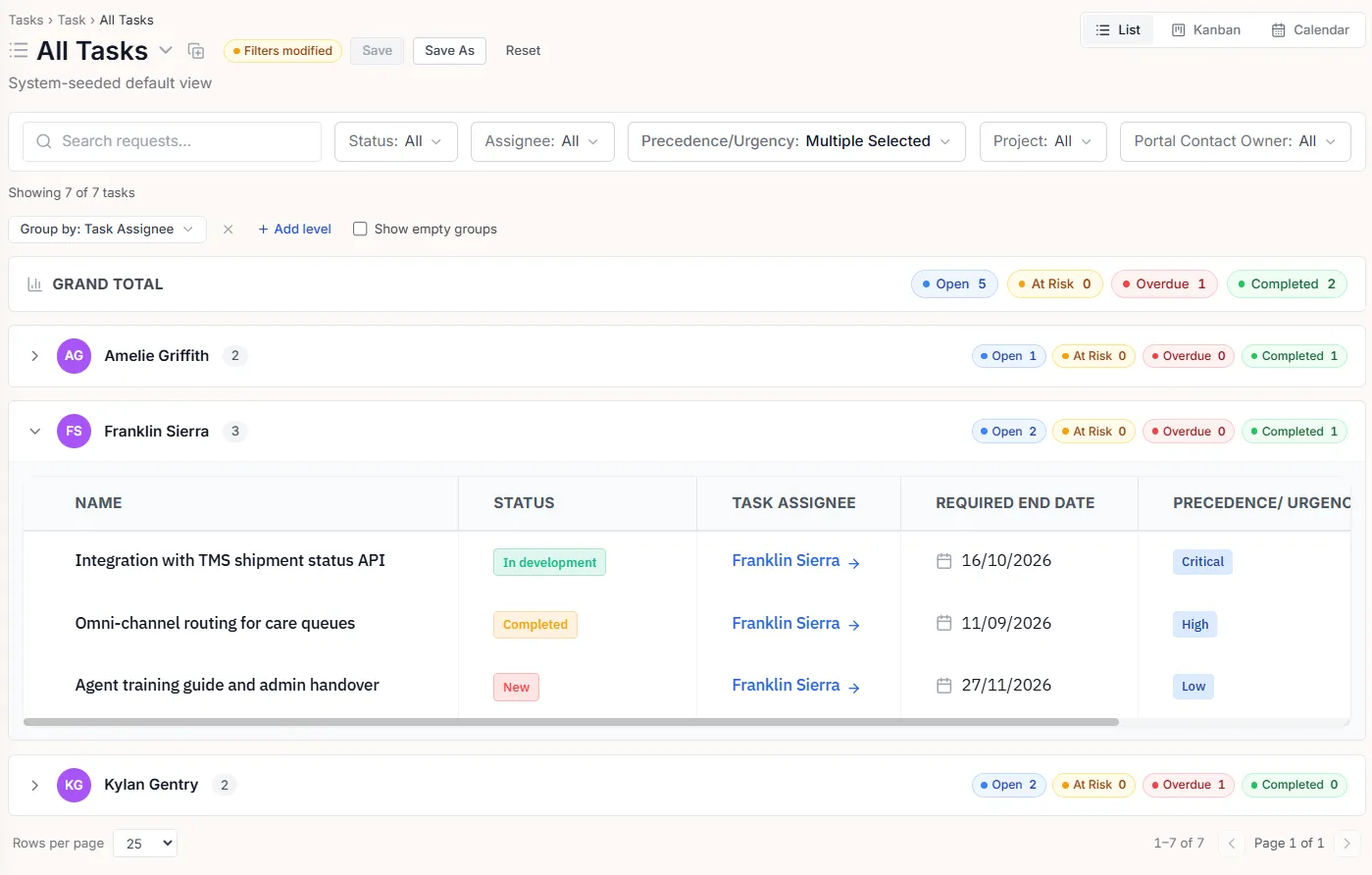
01 · White-label
Your brand, down to the domain.
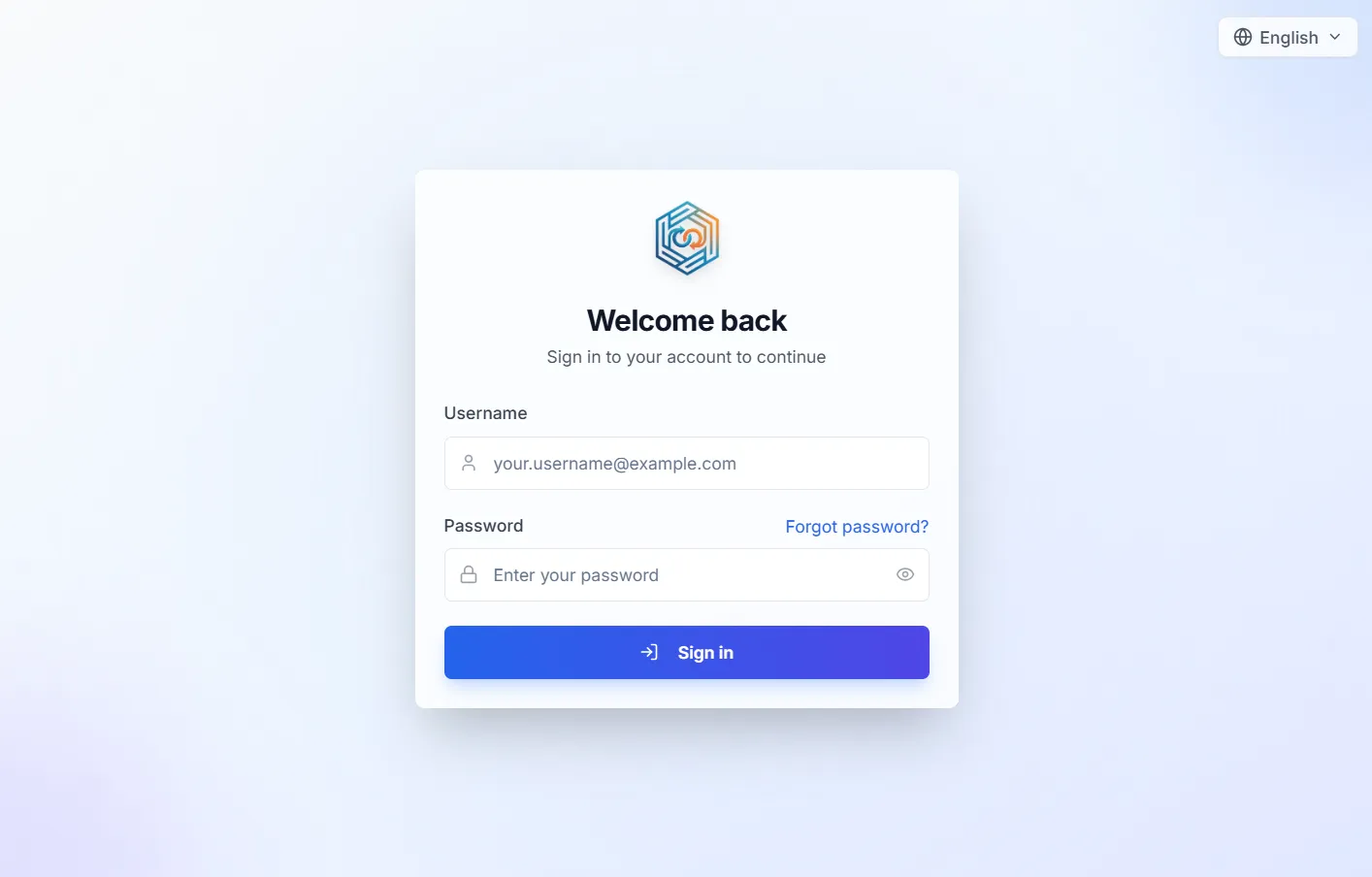
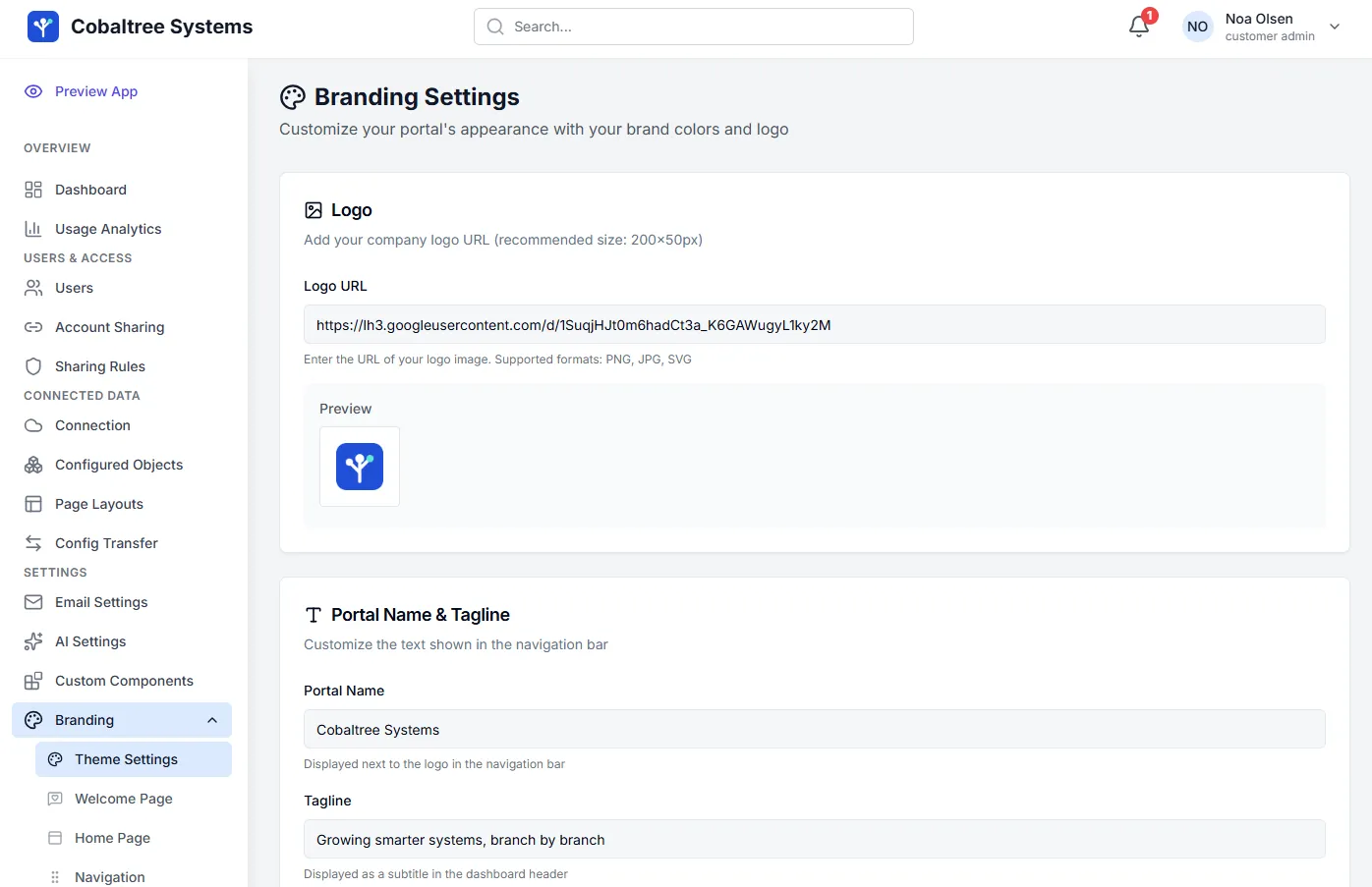
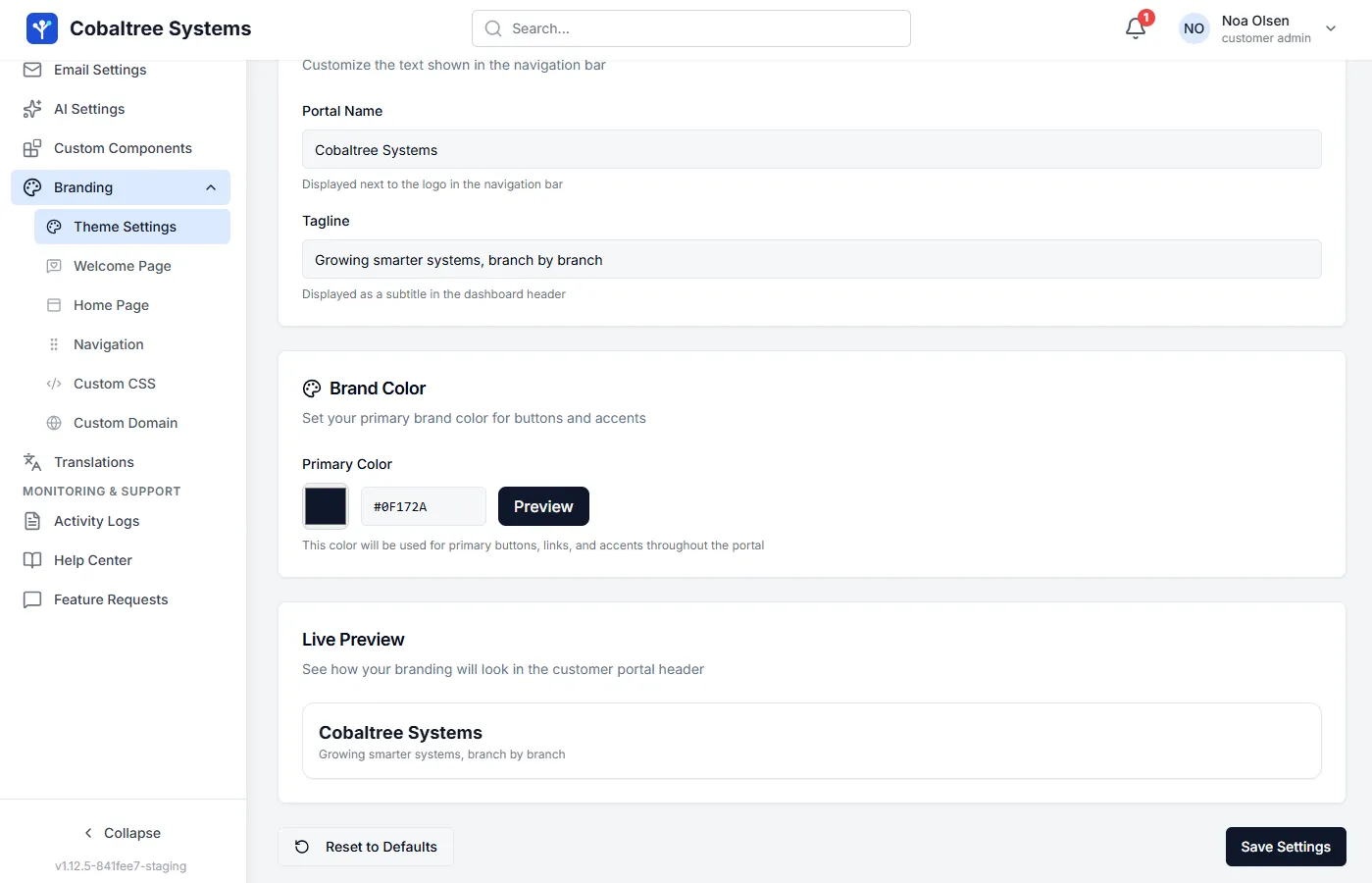
Custom colors, your logo, your domain. Customers sign in to a portal that looks in-house — because as far as they can tell, it is.
- Custom domain — portal.yourbrand.com
- Your colors and logo on every screen
- Role-aware — each user sees only what they should

02 · No-code configuration
Admins roll out changes in minutes.
Everything is visual — no deploys, no consultants, no tickets to engineering.
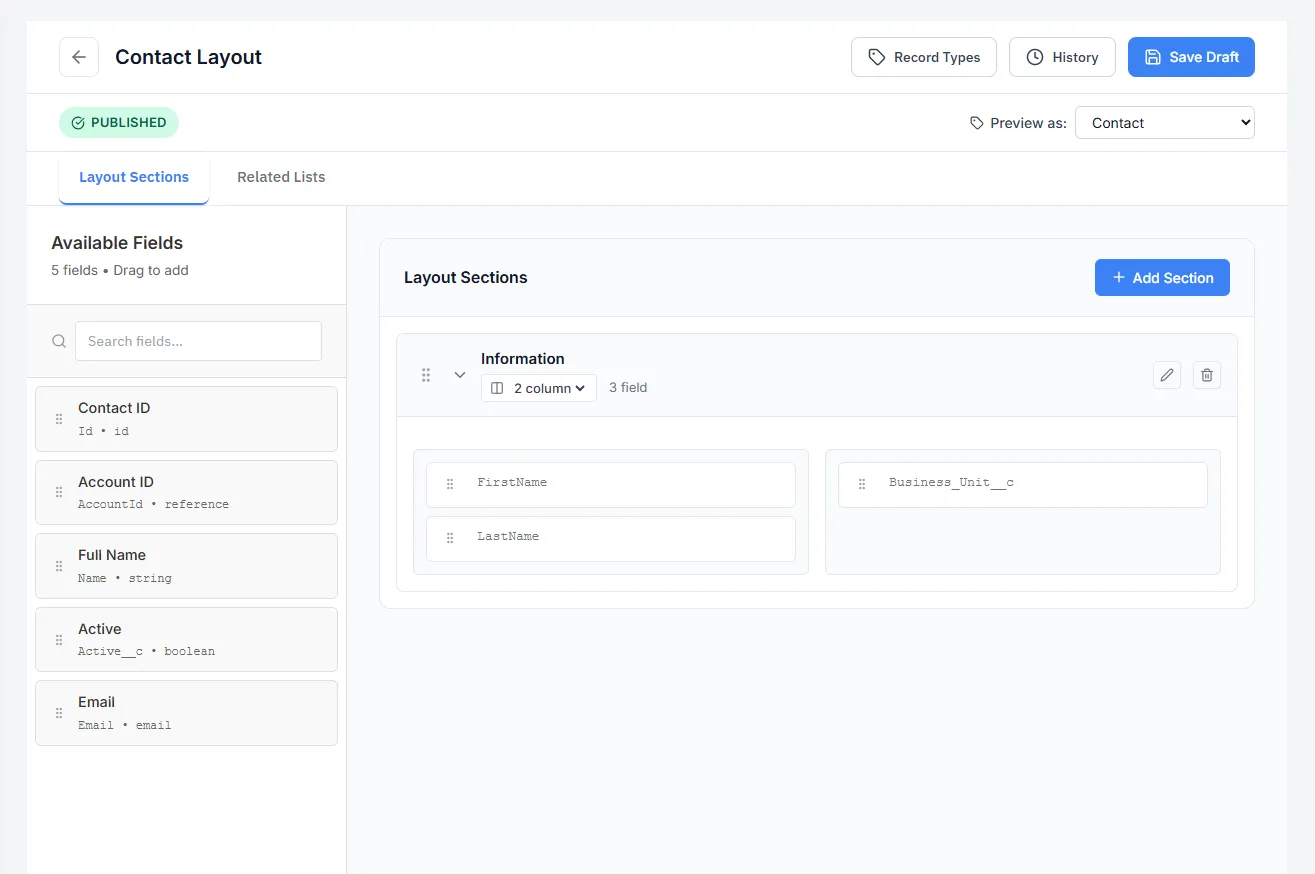
- Drag-and-drop layout builder
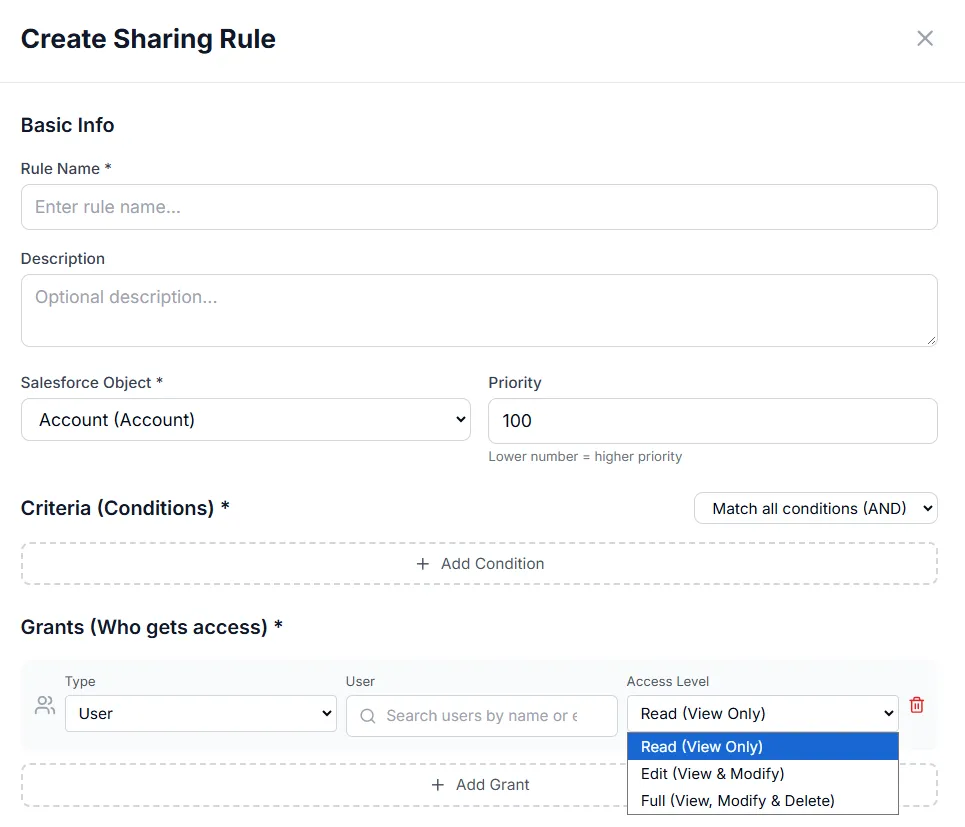
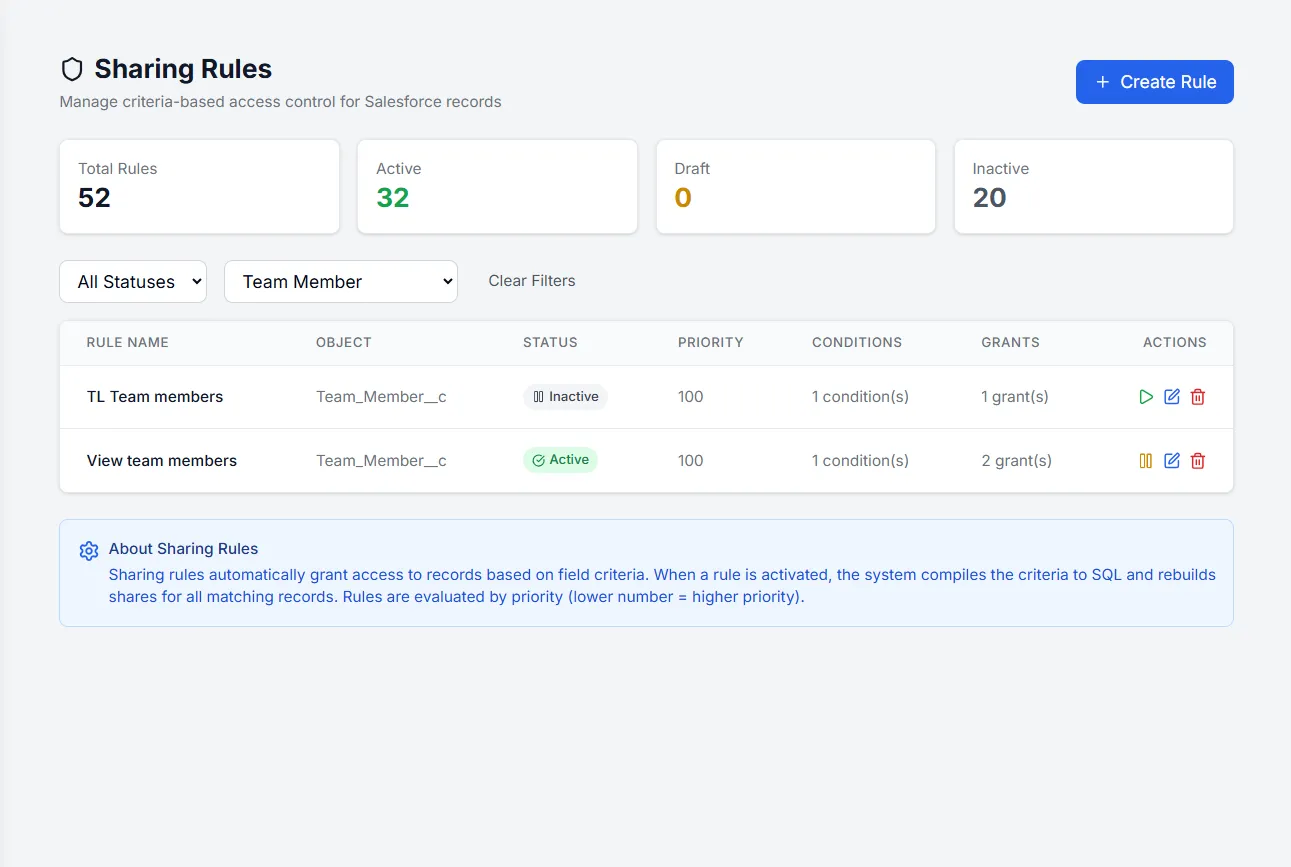
- Visual sharing rules — who sees what, per role
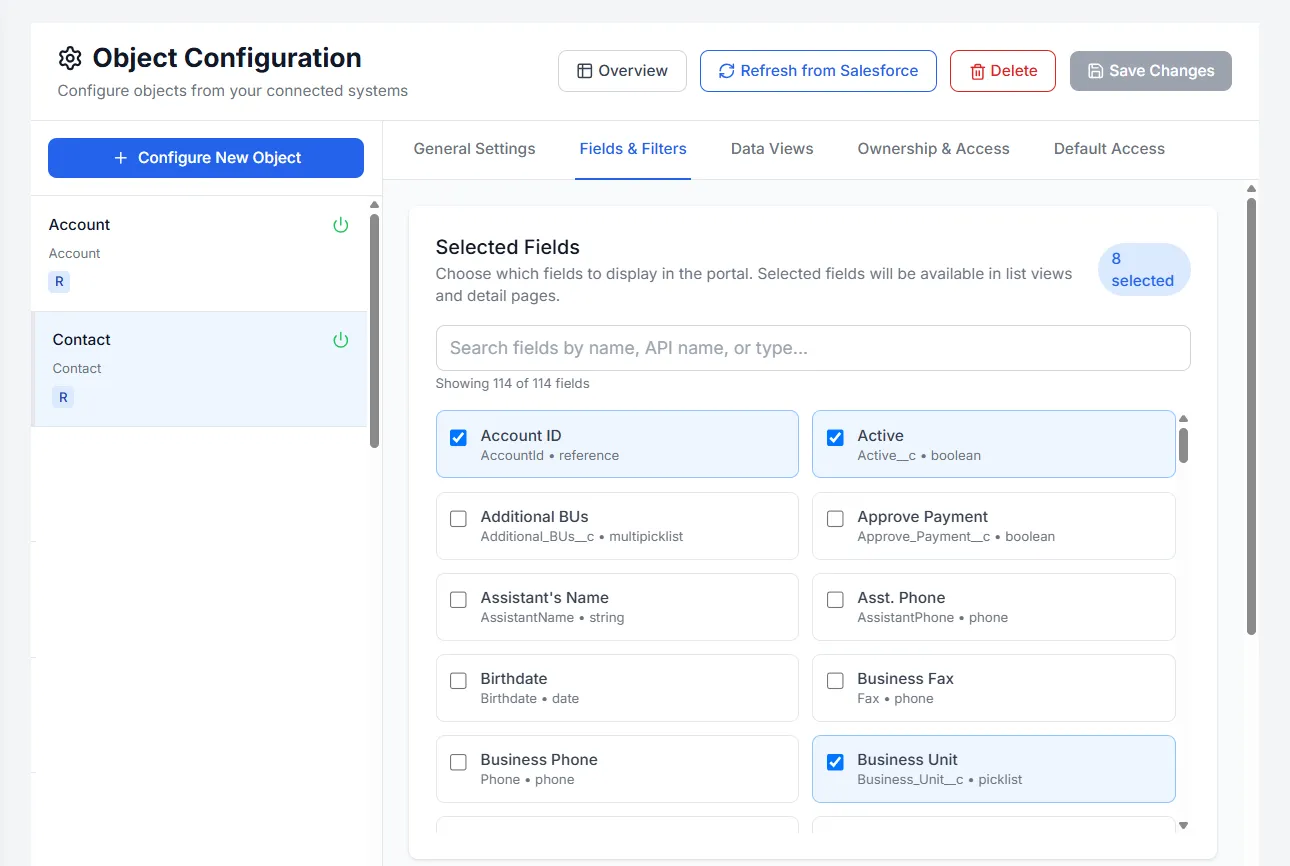
- Point-and-click field mapping
03 · Built in
The platform underneath.
Real-time by design
Queries are proxied live to your system — no batch jobs, no stale copies. How it connects →
Role-aware access
Customers, partners, and employees each see exactly what their role allows — nothing more.
Views your team knows
List, kanban, and calendar views — configured per object and per role.
Secure by default
Tenant isolation, row-level rules, 2FA, audit trails. More on security →
04 · In the admin
Everything else you can configure.
Translations
Offer the portal in more than one language; users pick theirs at sign-in.
Custom CSS
Go beyond colors and logo when the portal has to match your brand exactly.
Welcome page, home page & navigation
Design where users land and the menu that takes them everywhere else.
Account sharing
Give the people at a customer or partner account access to that account's records.
Config transfer
Move a portal’s configuration between environments, such as sandbox to production.
Email & AI settings
Control the emails the portal sends, and the AI features it offers.
Usage analytics
See how the portal is used — who signs in and what they open.
Activity logs
A record of sensitive actions — who did what, and when.
Help center & feature requests
Point users to help content and collect their requests in one place.
Take the full tour: everything in the Basicloud admin →