Short answer: don’t add contractors to your org and don’t share a login. Give them a portal that reads only the records they work on — scoped by row-level rules — and let them log hours and expenses against those records right in the portal. With Basicloud, contractors sign in to the portal, never to Salesforce, so no license is needed per contractor.
Why are the usual options a problem?
- A Salesforce license per contractor is expensive for someone who needs two screens, and it gives them more of your org than they need.
- A shared login means no accountability for who did what, and access that’s hard to revoke cleanly.
- Spreadsheets and email are out of date the moment they’re sent, and hours come back in a format finance has to retype.
What does good contractor access look like?
- Each contractor sees only their own projects and tasks — enforced in the query, not just hidden on screen.
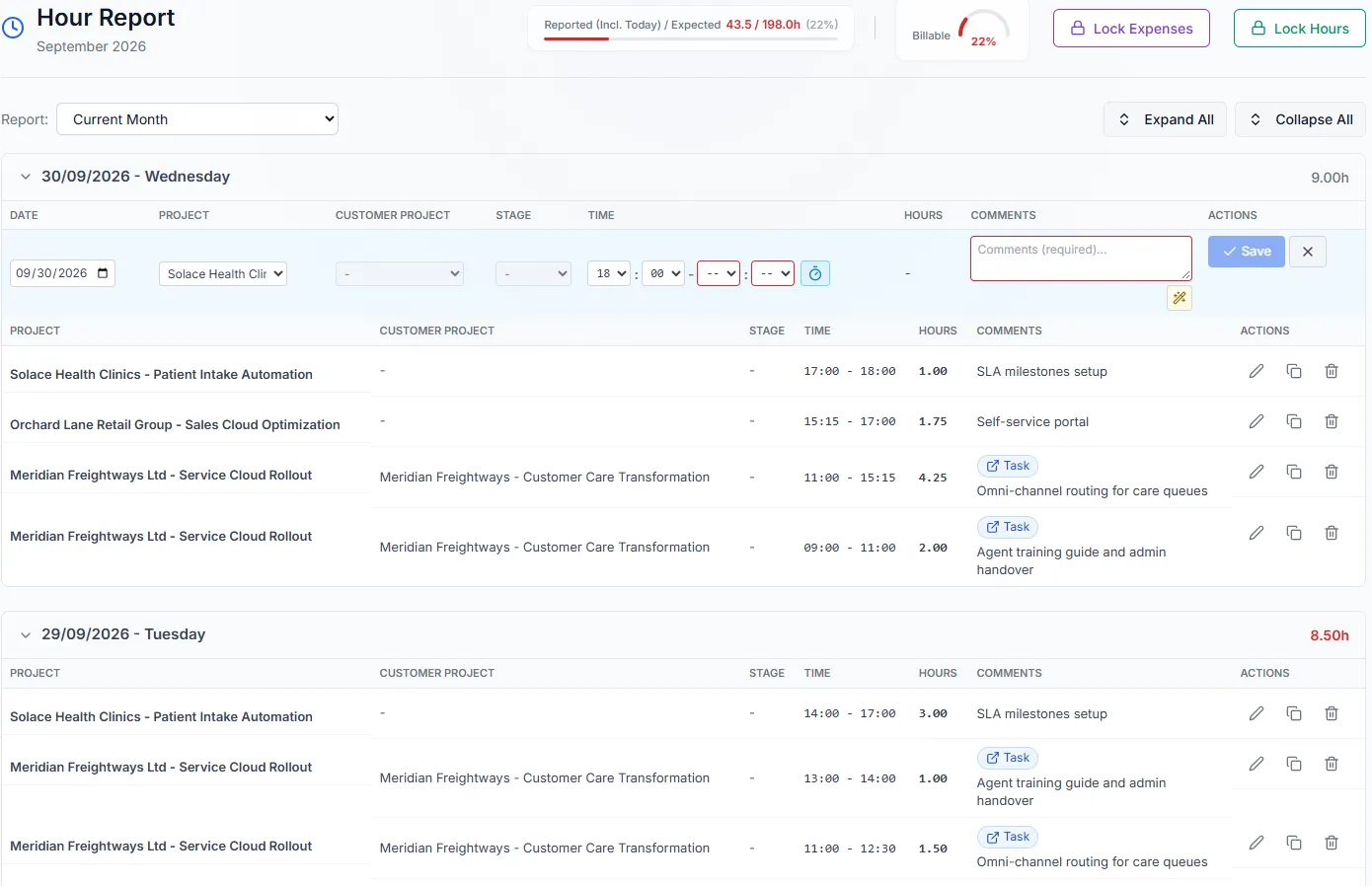
- They can update status and log hours and expenses against the records they work on.
- Everything they enter lands straight in your system of record, so finance works from one set of numbers.
- When a month closes, hours and expenses are locked, so billed periods can’t drift.
- When the engagement ends, access ends with it.
How do you set it up with Basicloud?
- Connect your Salesforce org over OAuth 2.0.
- Configure the objects contractors work with — projects, tasks, or any custom object.
- Add a sharing rule that scopes records to the contractor’s assignments.
- Turn on Task Boards and Hour Reporting for the contractor role.
- Invite contractors to your branded portal.
From there, a project lead can review the hours behind each payment in the Payment Report and approve them before anything is billed.